

Custom Labels for Contacts
Gold Star Pro now lets you rename “Contacts” inside the Email Builder. Instead of being locked into a single label, you can match the CRM to the way your business actually talks—whether that’s Clients, Leads, Members, or Patients.
How It Works
Rename the default “Contacts” object to any custom name.
Supports both singular and plural versions.
Labels display exactly as entered, with no auto-translation.
How to Use
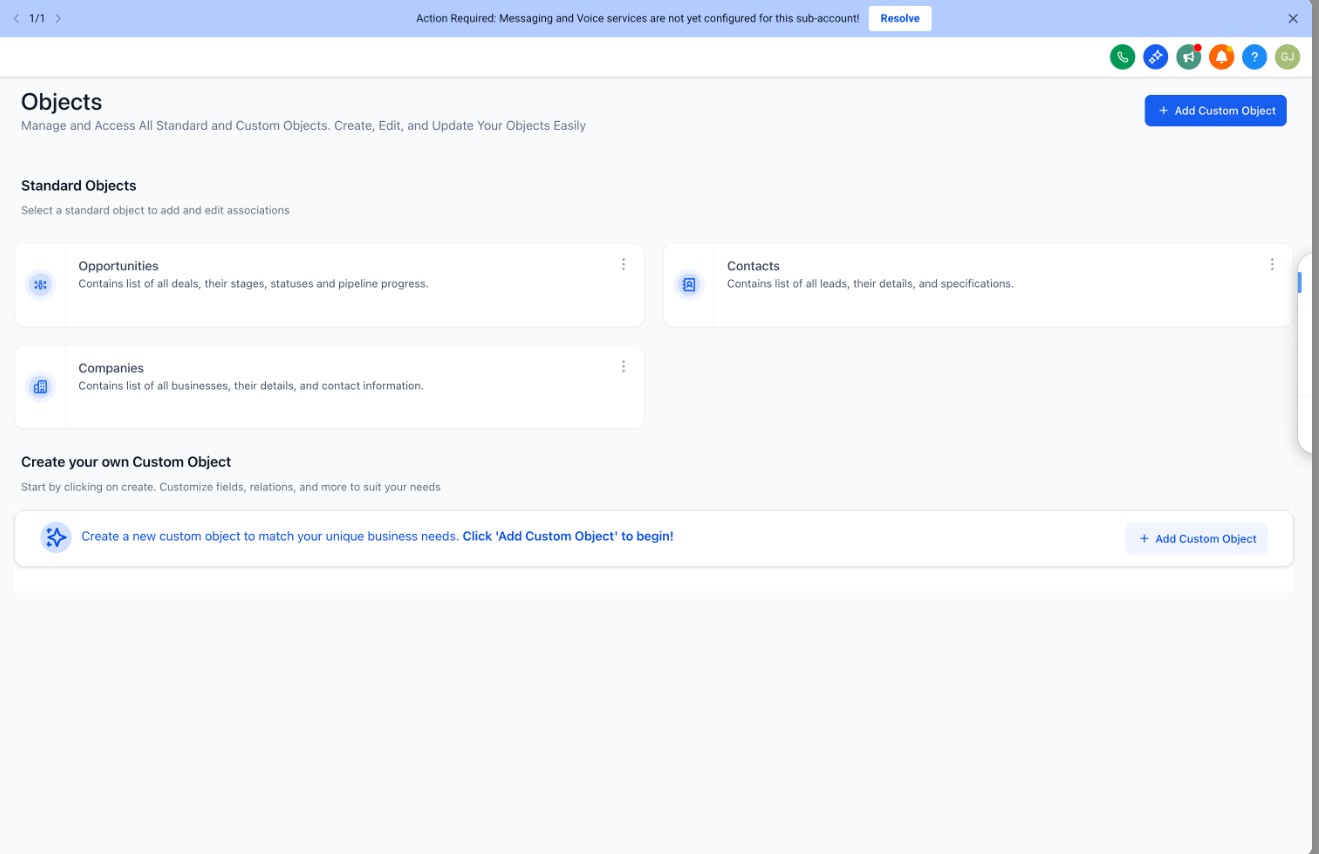
Go to Settings → Objects in the side panel.
Open Contacts.
Enter your custom name (both singular and plural).
Save changes.


Why This Matters
Tailored Language: Adapt your CRM to your business, not the other way around.
Clarity for Teams: Everyone sees terms that make sense in your context.
Better Adoption: Easier for staff and clients to engage when the system speaks their language.
Use Cases
Coaches rename contacts to Clients.
Membership businesses use Members.
Agencies prefer Leads for campaign tracking.
Medical practices relabel them as Patients.
